Delete
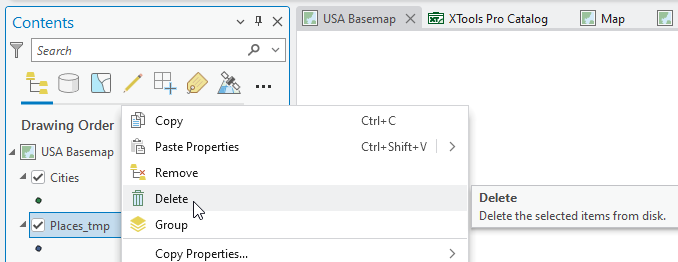
Allows permanently deleting datasets from disk from the layer context menu in the Contents pane in ArcGIS Pro.
 Available in XTools Pro for ArcGIS Pro
This command built into the layer context menu is provided for deleting datasets directly in the Contents pane without switching to the Catalog pane or view.
The functionality is similar to the standard ArcGIS Pro Catalog "Delete" functionality. Any of the ArcGIS Pro datasets can be deleted using the "Delete" menu command.
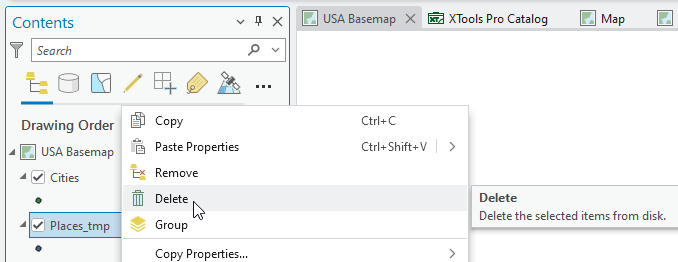
In order to delete a dataset select the correspondent command in the context menu of the selected layer:
Note:
Deleting datasets cannot be undone, the deleted datasets are permanently removed from the disk.
 Paid tool. Try this and all other XTools Pro features free for 14 days or buy XTools Pro license now.